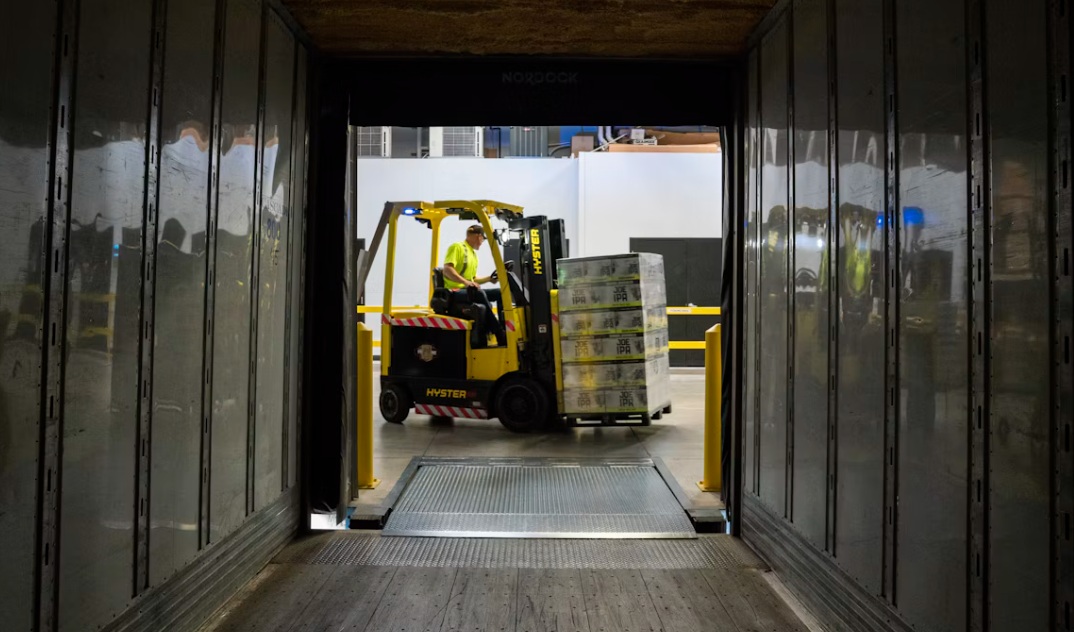
The process itself is simple. A trailer arrives. Product is identified, matched to an outbound order or lane, and moved across the dock rather than into a reserve location.
Cross-docking delivers a cleaner warehouse: inbound freight is sorted, staged, and loaded with little or no in-between storage. Done well, it cuts inventory carrying cost, shortens order cycle time, and frees floor space that used to sit under slow-moving pallets. Done poorly, it creates the opposite of what operations leaders want—dock congestion, missed carrier appointments, mis-shipped product, and workers standing around while the system catches up.
The hard part is the timing. Cross-dock depends on knowing what arrived, where it needs to go, and whether the outbound trailer is ready—before the forklift operator sets the pallet down in the wrong place. That knowledge has to live on the floor, not in an office terminal.
Where cross-dock breaks down
Most cross-dock failures are data failures that show up as physical ones. A barcode won’t scan because the device fogged up when it moved from a freezer to an ambient dock. A vehicle-mounted computer reboots after a shock from a dock plate. A handheld dies mid-shift, and the associate falls back to paper. Labels print late, so outbound staging becomes a guess. Each of those moments adds handling steps the model was supposed to eliminate.
Cross-dock also compresses the window for exceptions. Short shipments, damaged cases, and priority orders have to be resolved while the trailer is still open. If the worker has to walk to a fixed station to look up a PO or print a corrected label, the dwell time that cross-dock was designed to remove comes right back.
What the dock actually needs
Effective cross-dock operations treat receiving, sort, and outbound staging as one continuous workflow. That means devices that stay online in the environment where the work happens:
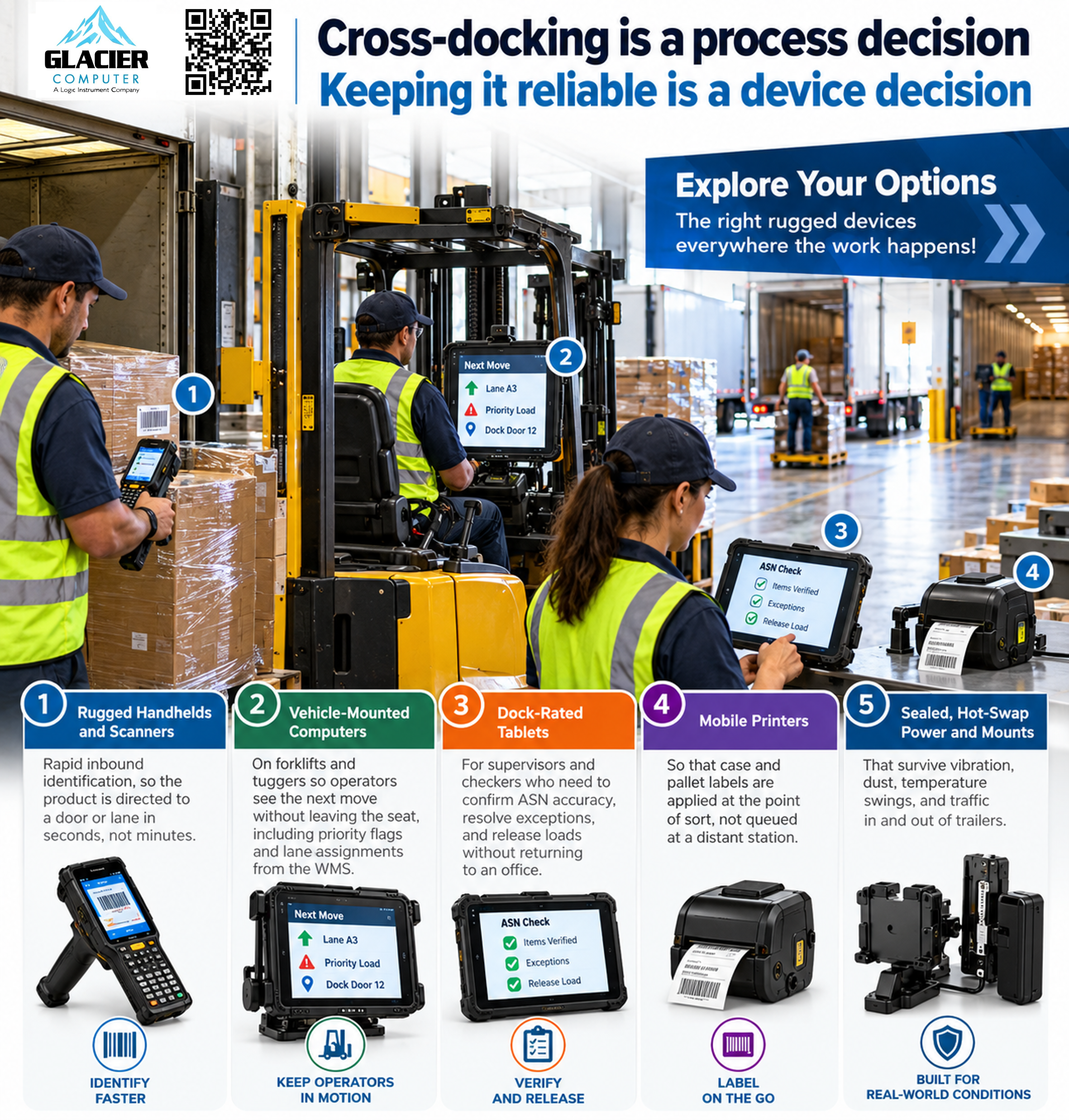
* Rugged handhelds and scanners for rapid inbound identification, so product is directed to a door or lane in seconds, not minutes.
* Vehicle-mounted computers on forklifts and tuggers so operators see the next move without leaving the seat, including priority flags and lane assignments from the WMS.
* Dock-rated tablets for supervisors and checkers who need to confirm ASN accuracy, resolve exceptions, and release loads without returning to an office.
* Mobile printers so case and pallet labels are applied at the point of sort, not queued at a distant station.
* Sealed, hot-swap power and mounts that survive vibration, dust, temperature swings, and traffic in and out of trailers.
Glacier Computer has spent more than 25 years specifying this class of equipment for distribution, third-party, and cold-chain sites—supplier-agnostic hardware from manufacturers such as Zebra, Honeywell, Getac, and MobileDemand, matched to the workflow rather than forced into it. Warehouse solutions commonly include forklift computers, handhelds, scanners, RFID, and rugged printers, with deployment and ongoing support available alongside the devices.
The operating result
When identification, direction, and labeling happen at the dock door, cross-dock stops being a special project and becomes a standard path through the building. Inbound dwell drops because the system scans and assigns product before it leaves the trailer area. Outbound accuracy improves because the same scan that receives the case also confirms the destination door. Supervisors see exceptions in real time, not at the end of the shift. Floor space that used to hold “temporary” overflow can go back to active lanes.
Cold chain and high-volume third-party sites feel this most. Condensation, gloves, and sub-zero ratings are critical on a cross-dock that shares doors with freezers. Devices rated for those conditions, with readable screens and scanners that work through film and frost, preserve the flow intact when consumer-grade hardware would already be sidelined.
Cross-docking is a process decision. Keeping it reliable is a device decision. If inbound and outbound are sharing the same doors and the goal is fewer touches, the hardware on those doors has to be as continuous as the freight moving through them.
Glacier Computer helps distribution and logistics groups select, deploy, and support rugged tablets, vehicle-mounted computers, handhelds, and scanners built for dock and warehouse use.
Call us at 866-724-6257 or visit glaciercomputer.com to request a consultation.
Explore our lineup of rugged tablets, handhelds, laptops, scanners, and mounted terminals. Glacier also offers Intrinsically Safe and AI-ready devices, as well as Managed Services. Ask us about how Glacier solutions can help your business thrive in almost any environment.