
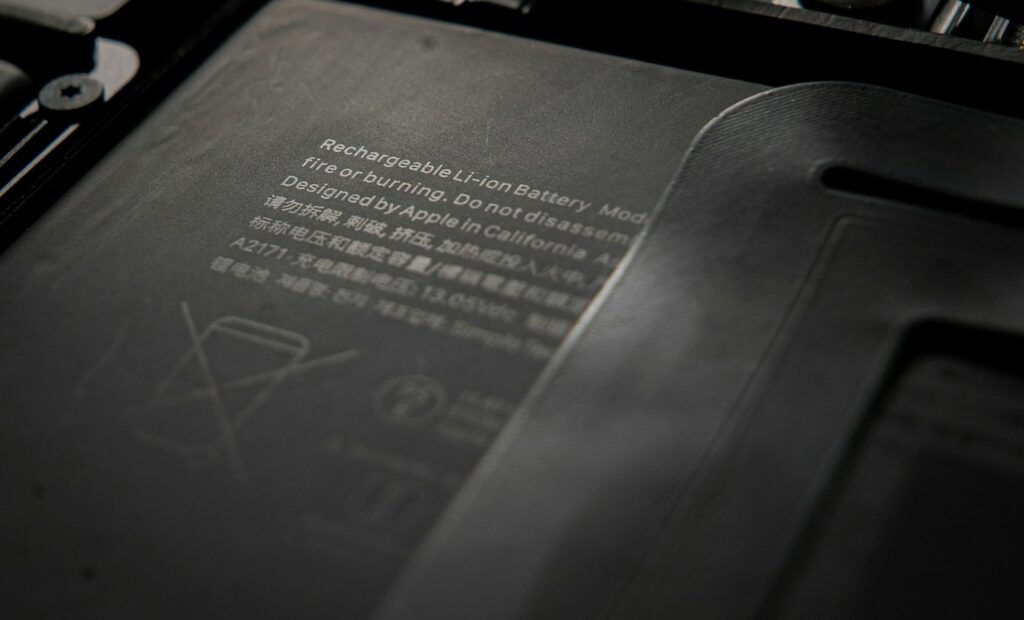
Device battery management has become a culturally ubiquitous phenomenon. Nearly everyone has devices, from mobile phones to smartwatches, tablets, and laptops, but not everyone knows how to manage their battery life effectively. That’s not your problem unless it’s your equipment. Mobile data collection, especially fieldwork, requires power that lasts throughout the day. Do you have a plan to maximize not just charging life, which is how long a battery lasts after each charge, but also battery life, the number of healthy charging cycles a battery can handle before needing replacement?
They are connected and inseparable, and if you invest in rugged technology, having it power down or “fail” due to power loss from tired batteries impacts the operation.
Smart Charging Habits can double battery lifespan by reducing cycle wear and preventing thermal damage. Limit charges to 80% to minimize cell stress. Avoid full discharges below 20% or overcharging. Use only manufacturer-approved chargers and charge at room temperature (avoid temperatures below 0°C/32°F or above 40°C/104°F). For storage, keep at 40-50% in a cool, dry place.
Regular Maintenance and Calibration can ensure accurate charge readings and identify issues early, maintaining 95%+ performance accuracy. Calibrate every 2-3 months by fully charging, then discharging to 0%, and finally recharging. Clean the battery contacts with alcohol wipes. Run diagnostic tools (e.g., Dell Power Manager or Windows Battery Report) to monitor the battery’s health. Update the firmware/OS for efficiency fixes.
You can also manage power settings to optimize long-shift runtime and minimize temperature extremes when possible. Leaving them in a vehicle in direct sunlight accelerates degradation; for optimal results, try to charge them at a stable or room temperature.
-
- Battery health monitoring: Use built-in diagnostics to track charge cycles and proactively replace degrading batteries.
- Efficient processors: Choose devices with low-power, high-performance CPUs (e.g., ARM or Intel vPro platforms).
- Adaptive brightness: Automatically adjust screen brightness based on ambient light to reduce power draw.
- CPU throttling: Enable performance profiles that scale processor speed depending on workload.
- Peripheral control: Disable unused radios (Wi-Fi, Bluetooth, GPS) and ports when not in use.
- Temperature-aware charging: Avoid charging in extreme hot or cold environments that degrade battery chemistry.
- Smart charging accessories: Use ruggedized docking stations or vehicle chargers designed to regulate voltage
- Sealed enclosures: Prevent dust, water, and vibration from damaging the battery or connectors.
- Field-ready power sources: Carry portable, rugged power banks or solar chargers for remote operations
Contact one of our experts if you are interested in learning more about all the ways to help extend charge times and battery life. They won’t all be ideal for your operation, but at least a few of them will. It won’t cost you anything, and you could end up saving money by extending the life of your batteries and reducing lost time in the field or on the floor.